

Xbox Nano Controller Review: Finally, an Xbox Controller That Fits My Hands
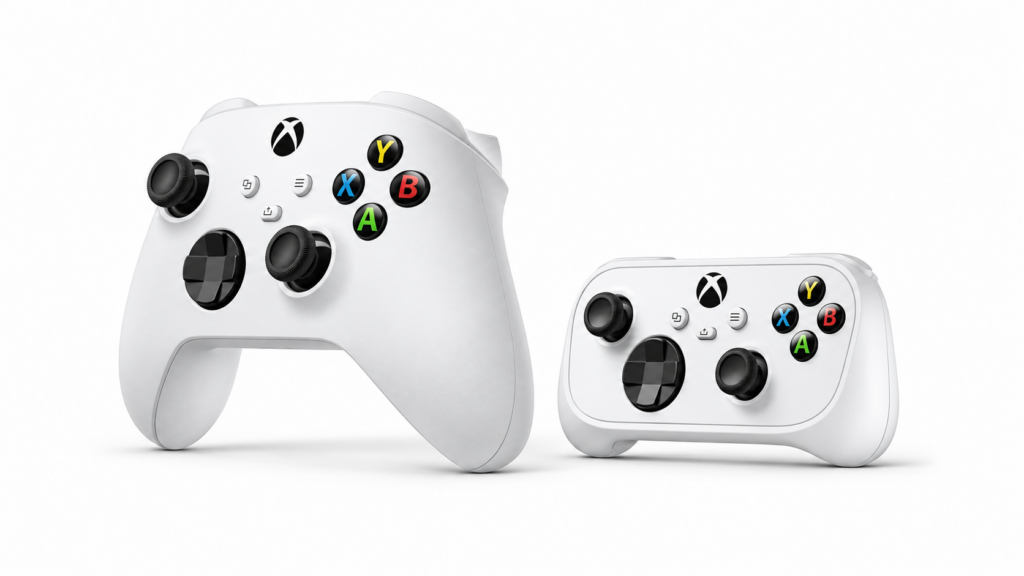
My $50 Xbox Nano Controller review, from how it fits smaller hands to using it with my Xbox, Apple TV, and iPad.
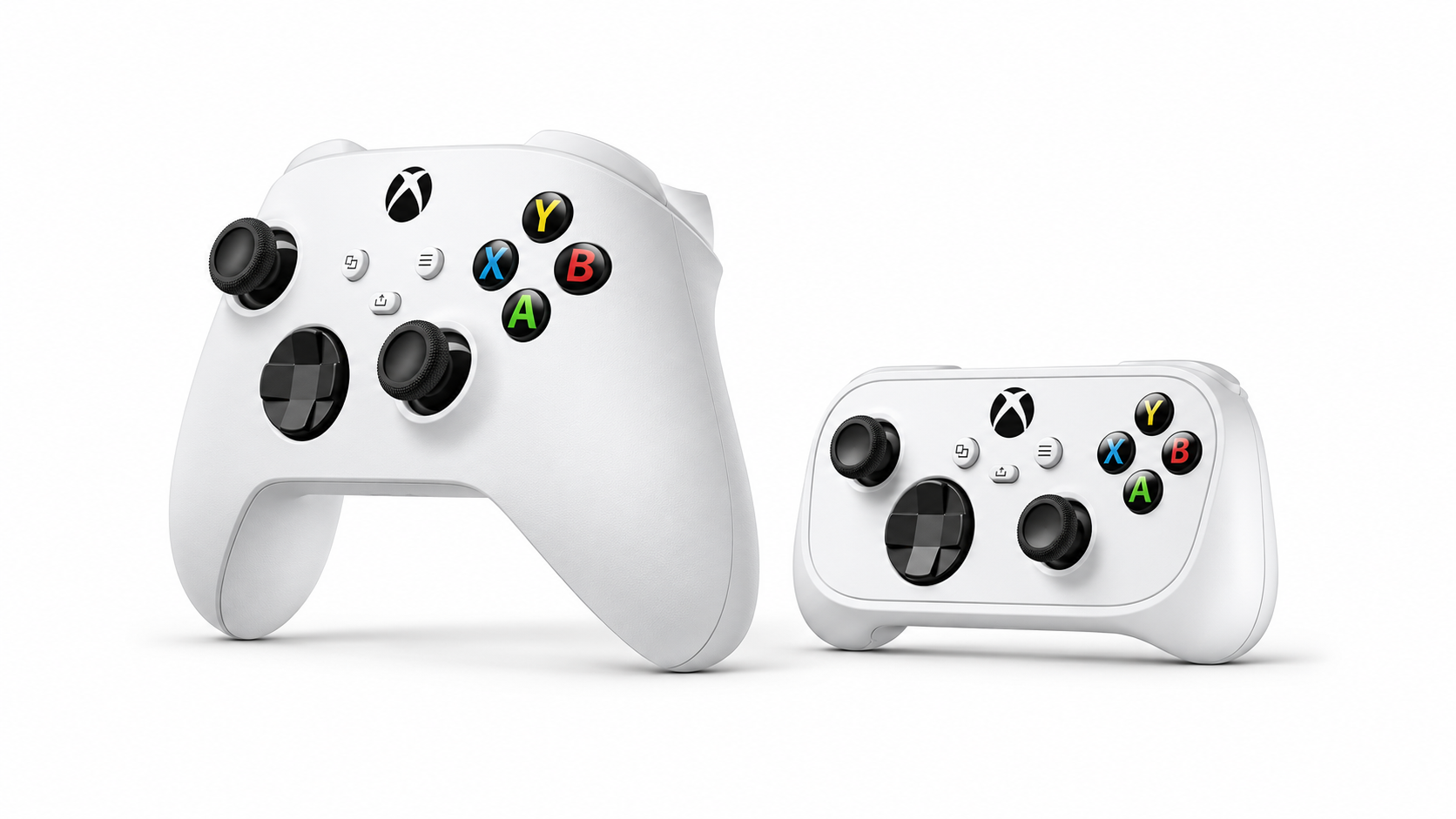
I’ve always preferred the Xbox controller layout, but the regular Xbox controller has always felt a little too big in my hands. I usually ended up buying PlayStation controllers because they felt slimmer, and then I’d spend half my time second-guessing which button I was supposed to press. The Xbox Nano is pretty much exactly what I wanted this whole time.
The size is what sold me
The Nano feels like the perfect size for my hands. I get the smaller grip I liked about my PlayStation controllers and the Xbox layout I’ve always been more comfortable with. It sounds like a small thing, but when you’re holding a controller for an entire game, you notice how it fits.
I use it with my Xbox, Apple TV, and iPad
I’ve used the Nano with all three, including for Steam Link on my Apple TV. It connects to the console over Xbox Wireless and uses Bluetooth for my Apple TV and iPad. Double-tapping the pairing button lets me jump between my Xbox and the last Bluetooth device I used.
One little annoyance is that the controller can still wake up my Xbox when I’m trying to use it with the Apple TV. I still like being able to use the same controller across all three devices.
Is it worth $50?
For me, absolutely. I paid about $50, which feels fair for a wireless controller that fits my hands and works with the devices I already play on. If you like the Xbox layout but have always wished the controller itself were a little smaller, this is the one I’d try.