

Dead by Daylight Cross-Progression: How to Sync Accounts and Keep Your Perks
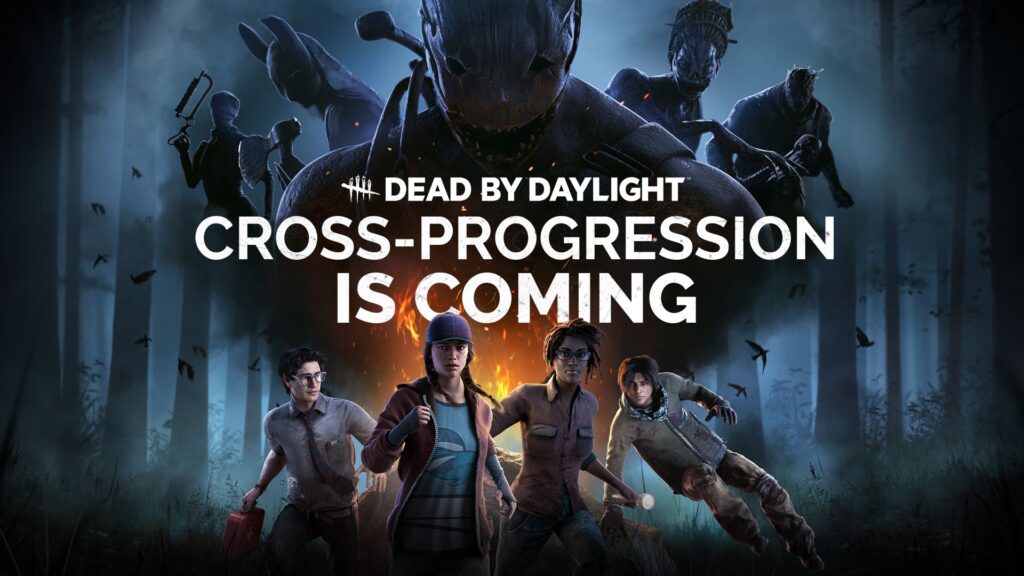
If you’ve unlocked half the Survivor roster on Xbox and want to play Dead by Daylight on Steam, you can bring your characters and perks with you. DBD cross-progression has been available since July 2024, and it works through a Behaviour Account. Before you buy the same chapter twice, check where you bought it the first time. Nintendo eShop purchases are the main exception.
Which platforms support DBD cross-progression?
You can sync Steam, Epic Games Store, Windows Store, PS4, PS5, Xbox One, Xbox Series X|S, Nintendo Switch, and Nintendo Switch 2. You’ll need access to the game on each platform where you want to play. You can sync one account per platform provider, so you can combine a Steam and an Xbox account, but you can’t combine two Steam accounts.
What carries over when you sync?
Characters, perks, and progress: Eligible character unlocks carry over, and the higher value wins for character levels and perk progress. If your Dwight is level 50 on Xbox and level 3 on Steam, he’ll be level 50 after you sync. The same higher-value rule applies to items and offerings, so two stacks of the same offering won’t simply add together.
Currency and cosmetics: Bloodpoints, Iridescent Shards, and Rift Fragments combine across synced platforms. Auric Cells go into a shared wallet except on Nintendo Switch, which keeps its own balance. Most outfits and charms carry over. Platform exclusives, your game settings, and most achievements or trophies stay platform-specific.
The Nintendo Switch DLC exception
A character or outfit bought in the DBD in-game store on Switch can carry over. A chapter bought through the Nintendo eShop stays on Switch. Eligible DLC bought on another platform can go the other direction and be shared to Switch.
If an eShop character is locked on the new platform, their progress is still there when you unlock them. And if you already prestiged that character, their unique perks can be available on your other characters even while the original character is locked. Check your perk inventory before buying anything again.

How to sync your Dead by Daylight accounts
1. Update and launch DBD on the platforms you want to sync. Behaviour recommends this for everyone and requires it for Switch.
2. Sign in to your Behaviour Account and select Dead by Daylight under your games.
3. Open Cross-Progression and link the platform accounts you actually play on. Check the account name or gamertag before confirming.
4. Follow the prompts to sync each platform. Linking connects the account to Behaviour. Syncing brings the game progress together. Behaviour says the sync is permanent.
5. Open DBD on the destination platform and check a character you know well. Look at their level, unlocked perks, and outfits before assuming anything is missing.
What if your progress doesn’t show up?
First check that the right platform account is both linked and synced. If you started with Switch, make sure you’ve opened the updated game there. Sync time can vary. If a single character is missing but the rest of your progress is there, check how you bought that character. If your settings look different, you’ll need to set them up again on that platform. See Behaviour’s official FAQ for troubleshooting.
Once your perks are there, try one of these Hyperfocus survivor builds or see what to run after the Windows of Opportunity rework.